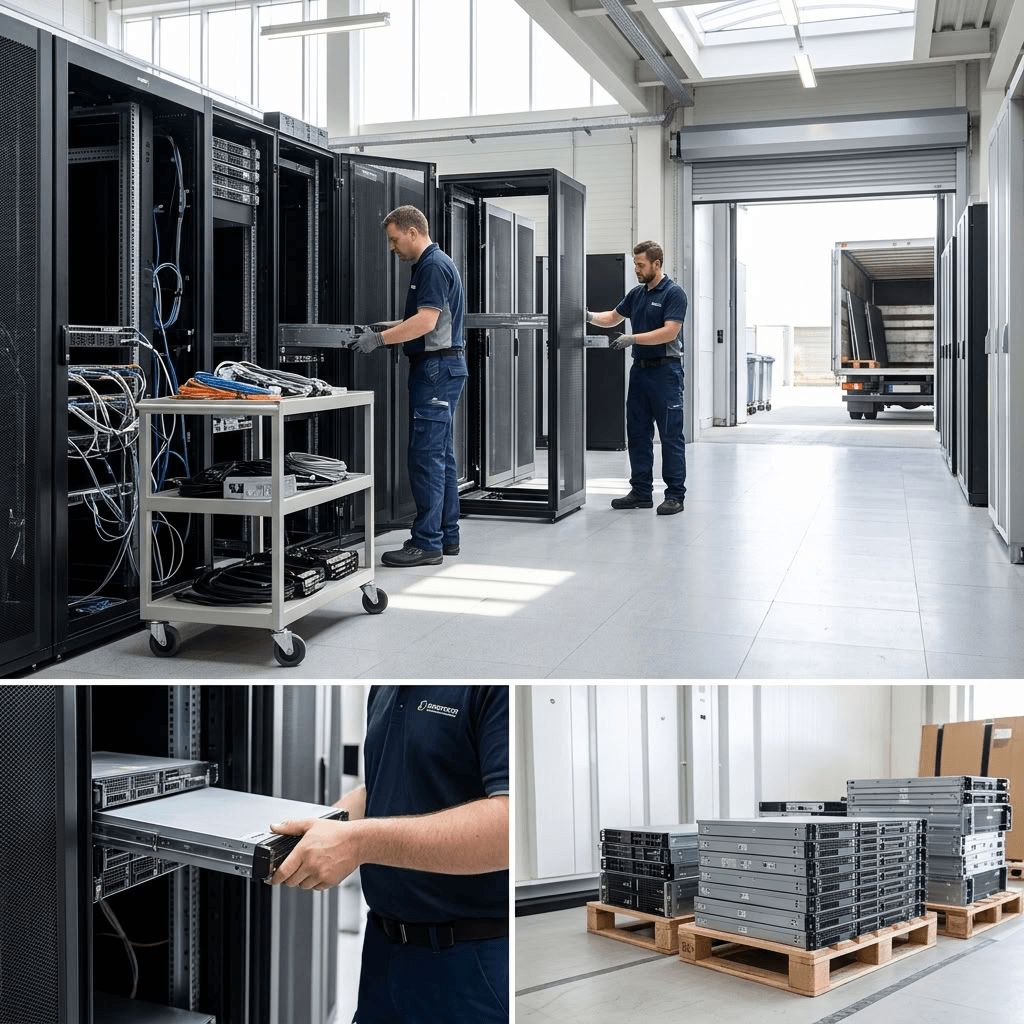
As technology evolves, businesses are left with an increasing amount of outdated computers, servers, mobile devices, hard drives, and other electronic equipment. Improper old IT equipment disposal can expose your business to data breaches, security vulnerabilities, environmental risks, and unnecessary costs.
If your business is planning old IT equipment disposal, it’s important to understand what can go wrong and how to avoid common mistakes. Here are five pitfalls businesses should watch out for when handling retired IT equipment.
Mistake #1: Failing to properly erase sensitive data
One of the biggest mistakes businesses make when disposing old IT equipment is assuming that deleting files or performing a factory reset permanently removes the data.
Old computers, hard drives, servers, smartphones, tablets, and other devices can contain sensitive information long after they are no longer being used. This could include customer records, employee information, financial documents, passwords, emails, intellectual property, and other confidential business information.
Imagine if a piece of your old equipment, still housing confidential customer data, fell into the wrong hands. The consequences could be devastating for both your business and your customers, leading to lost trust, financial problems, and even serious legal implications. Before equipment leaves your facility, make sure data has been securely destroyed using a certified data wiping or physical data destruction methods. This applies to computers, servers, smartphones, tablets, external drives, USB devices, and other storage media.
Solution: Establish a secure data destruction process before any equipment leaves your business. Depending on the type of device and the sensitivity of the information, this may involve secure data erasure, e-waste recycling, or physical hard drive destruction.
Learn more: How to Build a Data Destruction Policy That Protects Your Organization
Mistake #2: Improperly disposing of retired electronic equipment
The next common mistake is improper old IT equipment disposal. Computers and other electronic devices contain materials that require responsible handling and recycling. Sending electronic equipment to a landfill can contribute to environmental harm and may put your business at risk of failing to meet applicable disposal requirements. Old equipment can also contain storage devices with sensitive information. Simply placing computers or hard drives in a recycling bin doesn’t guarantee that the data stored on them has been destroyed.
Solution: Work with a reputable electronics recycling or IT asset disposition provider that can securely handle equipment from collection through final processing. Look for appropriate certifications and documented processes for data security, asset management, and responsible recycling.
Learn more: How to Choose a Certified ITAD Provider for Secure Data Destruction
Mistake #3: Letting old hardware take up space
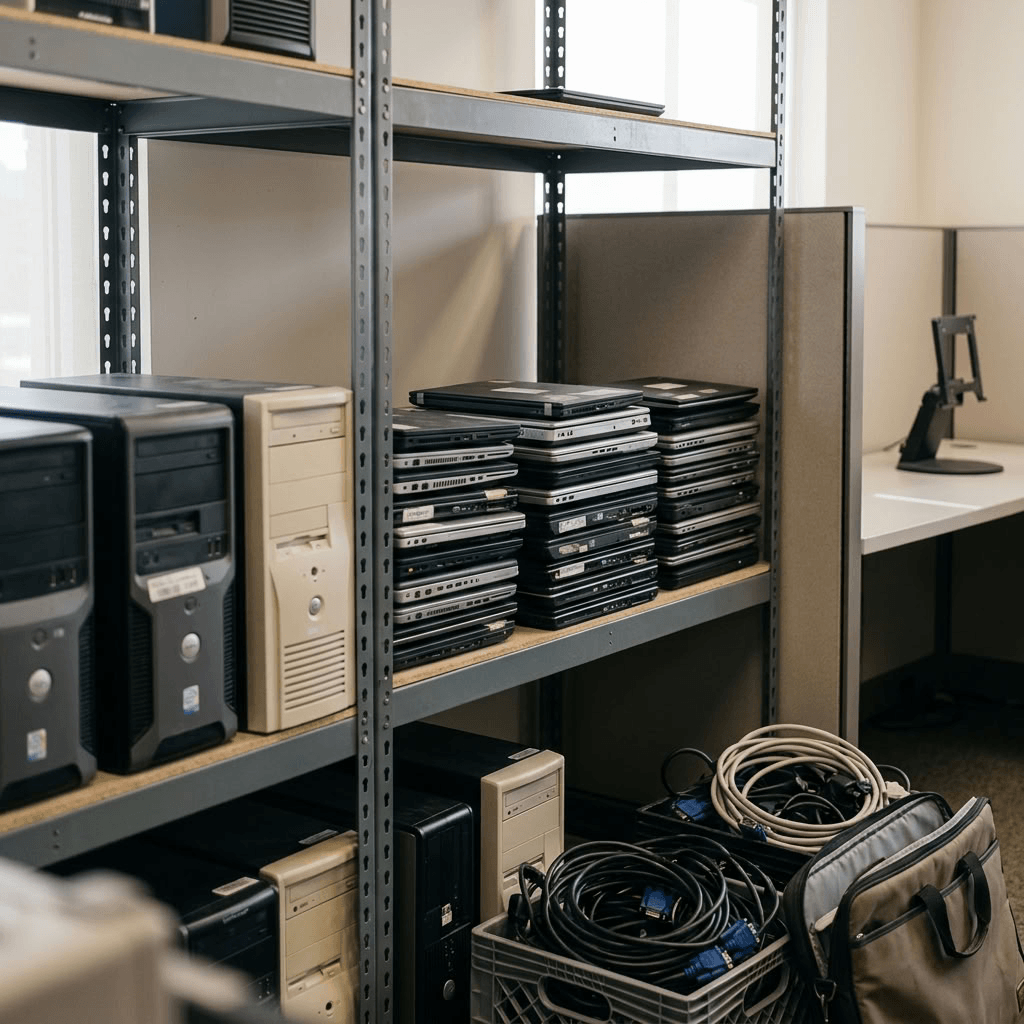
It may seem harmless to keep outdated computers and electronics in a storage room “just in case.” Over time, however, this can result in piles of equipment that are difficult to track and manage. The longer old equipment remains on your premises, the greater the opportunity for devices to be misplaced, damaged, or accessed by unauthorized individuals. Old equipment can also take up valuable office or warehouse space that could be used for more productive purposes.
Solution: Create a regular process for identifying technology that has reached the end of its useful life. Once equipment is no longer needed, secure it, document the assets, remove or destroy sensitive data, and arrange for responsible reuse or recycling. A structured IT asset disposition process can help your business keep equipment from accumulating while maintaining visibility over where your retired assets go.
Learn more: What’s the Difference Between Hard Drive Destruction, Hard Drive Erasure, and Data Deletion
Mistake #4: Giving disposal responsibilities to untrained employees
Some businesses leave old IT equipment disposal to employees who aren’t trained in data destruction or electronics recycling.
This can lead to simple but serious mistakes. An employee might delete files without properly sanitizing a drive, overlook a storage device, or place equipment in a general recycling bin without knowing how the equipment will ultimately be handled.
When sensitive information is involved, an informal disposal process can create unnecessary security risks.
Solution: Establish clear procedures for retiring IT equipment and ensure employees understand what they should and shouldn’t do with old devices. For sensitive equipment, consider using a professional IT asset disposition provider that can manage the process from collection and transportation through data destruction and recycling.
Learn more: Importance of Data Destruction: Why Your Business Should Consider a Data Destruction Service
Mistake #5: Attempting old IT equipment disposal on your own
Handling old IT equipment internally may initially seem like the cheapest option. However, businesses need to consider much more than simply getting unwanted equipment out of the building. While it might seem like a cost-saving measure, this decision could end up costing you much more in the long run, whether due to fines, data leaks, or other problems that can pop up when you least expect them.
A proper IT asset disposal process involves:
- Safe IT asset collection
- Asset tracking and auditing
- Secure transportation
- Data erasure or data destruction
- Chain of custody documentation
- E-waste recycling
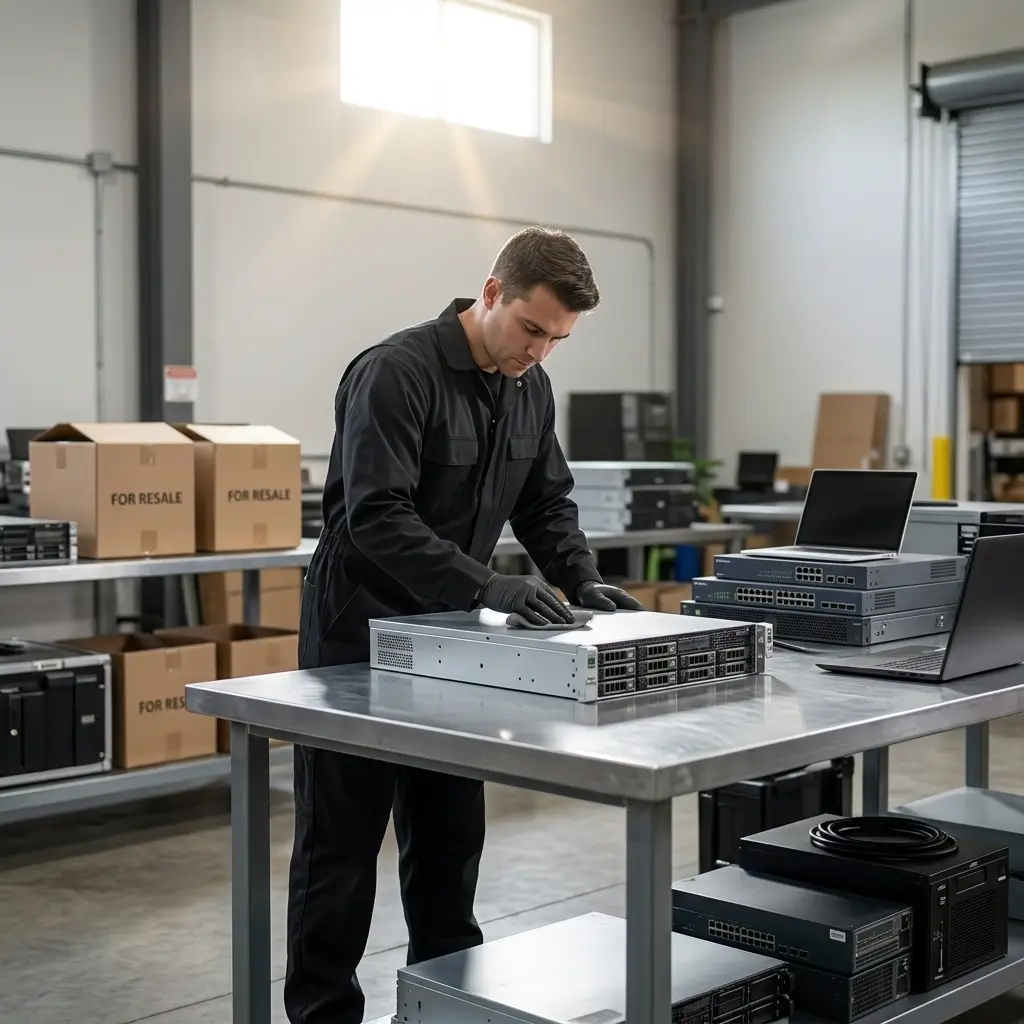
- Asset value recovery or IT asset refurbishment services
- Certificates of destruction
Without the appropriate processes and equipment, it can be difficult to verify that sensitive information has been securely destroyed or that equipment has been responsibly recycled.
Solution: Partner with an experienced IT asset disposition provider that can manage the entire process for you. Professional IT equipment disposal services can help businesses securely retire outdated technology while reducing the risks associated with data exposure and improper electronics disposal.
Learn more: IT Hardware Recycling: 5 Signs Your IT Assets Are Outdated and Ready for Hardware Recycling
Safely dispose your old IT equipment with Keystone Technology Management
Keystone Technology Management helps businesses securely manage their outdated technology through professional data destruction, certified e-waste recycling, and IT asset disposition services.
From collecting your old equipment to securely destroying sensitive data and responsibly recycling electronics, our team can help you manage the entire end-of-life process.
Contact Keystone Technology Management to learn more about secure data destruction and old IT equipment disposal.
Learn more:
Risks of Improper IT Asset Disposal: Why Secure Data Destruction Matters
How to Destroy Old Hard Drives: Guide to the Best Way to Destroy Old Drives
Impact of Desktop Operating Systems on Hardware Longevity
Explore:
Data destruction services
Hard drive shredding services for secure data destruction
How ITAD works