Proper disposal of retired computers involves more than simply throwing them in the garbage or dropping them off at a recycling facility. Computers and PCs can contain sensitive business data, valuable components, and materials that need to be handled responsibly.
Knowing how to dispose of old computers properly helps businesses protect their data, prevent unnecessary electronic waste, and ensure retired equipment is either reused, remarketed, or recycled through the appropriate channels. Because the disposal process involves several complex steps, many businesses hire a certified IT asset disposition (ITAD) provider to manage the process from start to finish.
Key steps on how to dispose of old computers
The correct process to dispose of retired computers and laptops depends on the condition of the equipment, the type of data stored on it, and whether the device has any remaining resale or reuse value. While businesses can manage these steps internally, many businesses work with a certified ITAD provider to ensure their old laptops are securely collected, processed, and properly disposed of.
Here are the key steps involved when disposing of old computers.
1. Identify the equipment being retired
The first step is to create an inventory of the computers and other IT equipment you plan to dispose of.
Record information such as:
- Computer or laptop make and model
- Serial number or asset tag
- Hard drive or SSD information
- Condition of the equipment
- Assigned user or department
- Whether the device contains sensitive information
Maintaining an accurate inventory helps businesses track equipment throughout the disposal process and maintain a clear chain of custody. When working with an ITAD provider, this inventory and tracking process is typically managed as part of the provider’s asset disposition services.
Related: IT Hardware Recycling: 5 Signs Your IT Assets Are Outdated and Ready for Hardware Recycling
2. Back up any information that needs to be retained
Before disposing of a computer, determine whether any files or business information need to be retained. Important data should be backed up or transferred to an approved storage location before the device is processed for disposal. Once data destruction has taken place, the information may not be recoverable.
An ITAD provider can help manage the equipment after it has been identified for retirement, but businesses should ensure any required data has been backed up before the data destruction process begins.
3. Securely destroy or sanitize the data
Data destruction should happen before the computer is reused, resold, recycled, or leaves your organization’s control. Depending on the equipment and your security requirements, this may involve secure data erasure, degaussing, or physical destruction of the device.
Data destruction methods:
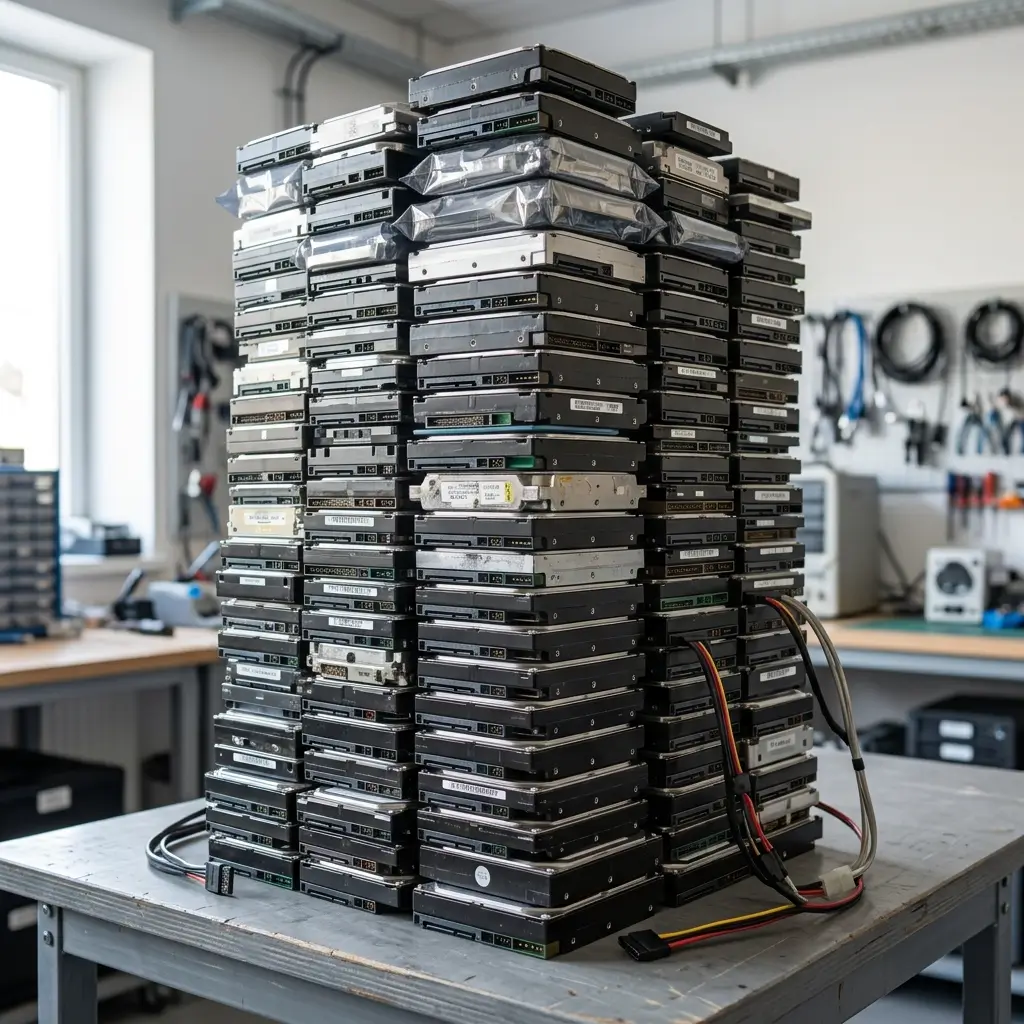
- Hard drive destruction or hard drive shredding: Physical destruction of the storage device to make the data unrecoverable.
- Data erasure: Securely overwriting data on a storage device so it cannot be recovered.
- Degaussing: A high-powered magnetic field to instantly disrupt the magnetic alignment of a hard drive’s platters, permanently erasing all stored data and destroying the drive’s microscopic track formatting so it can never be reused.
A factory reset or deleting files alone should not automatically be treated as secure data destruction for retired computers. For organizations handling confidential or regulated information, working with a certified data destruction provider can provide an additional layer of security and documentation.
When businesses use an ITAD provider, secure data destruction is typically a key part of the disposal process. The provider can also provide documentation or certificates confirming that the data was destroyed.
4. Determine whether the computers can be reused or remarketed
Not every retired device needs to be recycled immediately. Some computers and laptops may still have market value. After securely removing the data, functioning computers and laptops can potentially be refurbished, reused internally, donated, or remarketed. This can help businesses recover value from their used technology while extending the life of the equipment.
An ITAD provider can assess retired equipment, determine whether it has remaining value, and manage the refurbishment or remarketing process on the business’s behalf. Learn more about asset value recovery.
Related: IT Asset Remarketing: 5 Reasons Why Your Business Should Consider Remarketing IT Assets
5. Recycle retired devices that cannot be reused
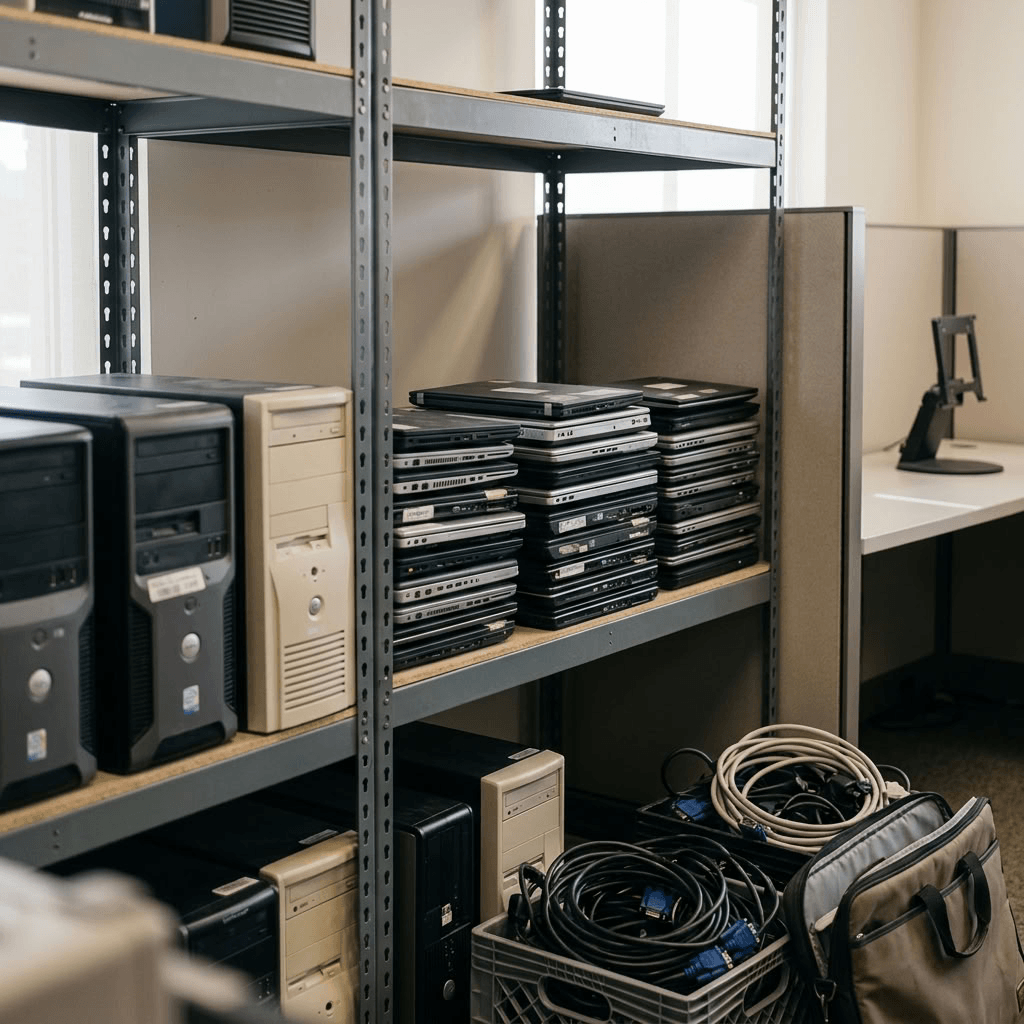
Computers that are too old, damaged, or obsolete for reuse should be processed through responsible electronics recycling. Avoid putting computers, laptops, hard drives, or other electronics in regular garbage unless local regulations specifically allow it.
A certified e-waste provider can help recycle computer components appropriately and ensure equipment that has reached the end of its useful life is handled responsibly. For businesses working with an ITAD provider, recycling is typically the final stage of the asset disposition process after equipment has been inventoried, data has been securely destroyed, and any remaining value has been recovered.
Why is proper computer disposal important?
Retired computers and laptops can contain both valuable materials and sensitive information. Improper disposal can create several risks for businesses including data security, environmental risks, and compliance.
Data security
A computer that is no longer being used may still contain recoverable data. Deleting files, emptying the recycle bin, or reformatting a drive does not necessarily make the information unrecoverable. Before a computer leaves your business, its storage media should be securely sanitized or physically destroyed using an appropriate data destruction method.
Working with a certified ITAD provider can help businesses establish a documented process for securely handling and destroying data throughout the disposal process.
Related: What’s the Difference Between Hard Drive Destruction, Hard Drive Erasure, and Data Deletion
Environmental risks
Computers contain materials that should not be sent to a landfill. Responsible electronics recycling allows usable materials such as metals, plastics, and other components to be recovered while reducing the environmental impact of electronic waste.
An ITAD provider can determine which equipment can be reused or remarketed and ensure equipment that cannot be recovered is sent through appropriate recycling channels.
Compliance and documentation
Depending on the type of information stored and the industry your business operates in, there may be requirements around protecting and disposing of sensitive data.
An ITAD provider can provide documentation and certificates showing that equipment was handled and data was destroyed according to established procedures.
Related: Importance of a Secure Chain of Custody Process for End-of-Life Data Destruction
Why use a certified ITAD provider for old laptop disposal?
While businesses can technically manage computer disposal themselves, securely disposing of large volumes of old computers involves several steps, from inventory and transportation to data destruction, asset recovery, and recycling. A certified ITAD provider can manage old computer disposal from equipment collection through final disposition while providing documentation along the way.
Depending on the ITAD provider and service, this may include:
- Asset inventory and tracking
- Secure transportation
- Certified data destruction methods
- Data destruction certificates
- Equipment testing and grading
- Remarketing, refurbishment, and asset value recovery
- Certified e-waste recycling
- Chain of custody documentation
Choosing a certified ITAD provider gives businesses a more controlled way to retire technology while reducing the risks associated with handling old computers and laptops.
Related: How to Choose a Certified ITAD Provider for Secure Data Destruction
Dispose your retired devices with Keystone Technology Management
If your business has old computers, laptops, hard drives, or other IT equipment that needs to be retired, you don’t have to manage the entire disposal process yourself.
Contact Keystone Technology Management today to learn more about our certified data destruction, end-to-end IT asset disposition services, electronics recycling, and IT asset value recovery services.
Learn more:
What Are the Most Common Causes of Data Breaches?
What is R2 Certification? Everything Businesses Need to Know About R2 Recycling
Explore more:
Secure data destruction services
E-waste recycling for responsible IT asset disposal
IT refurbishment & redeployment service