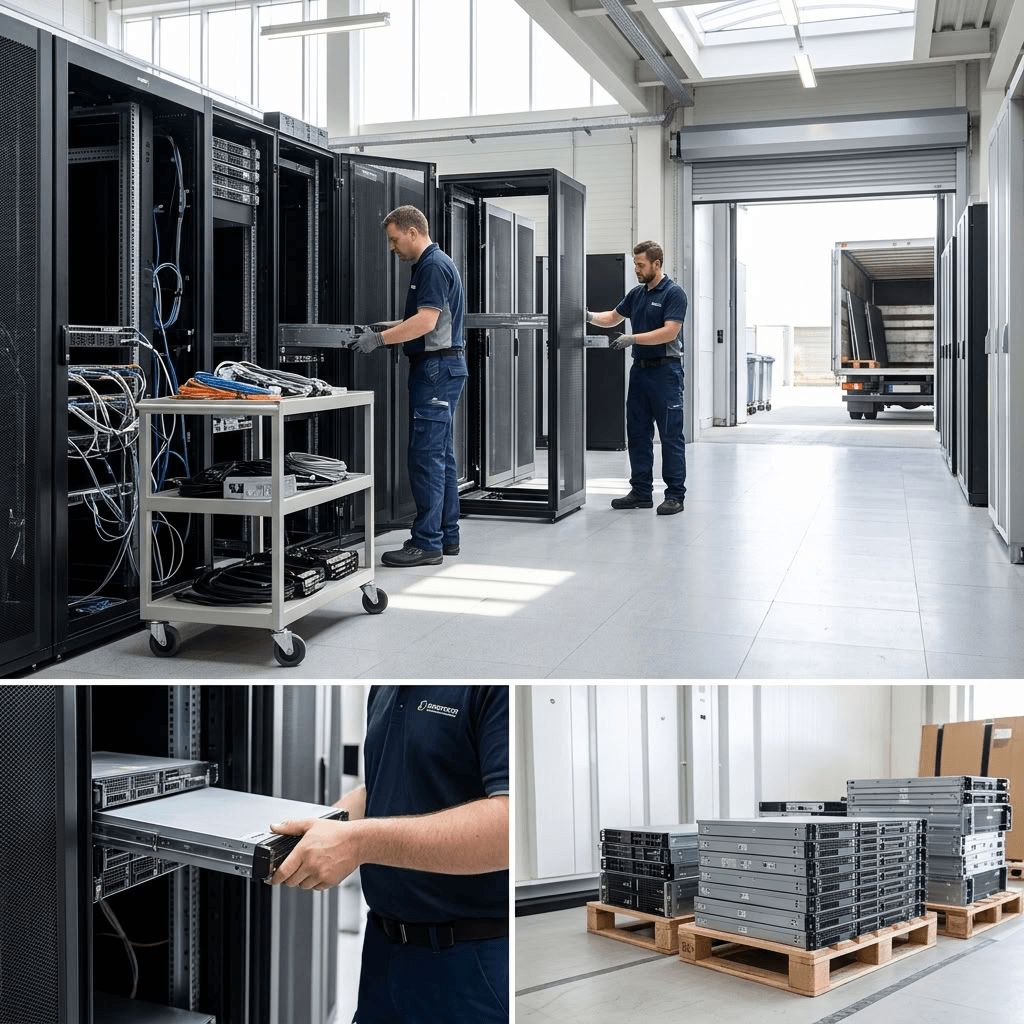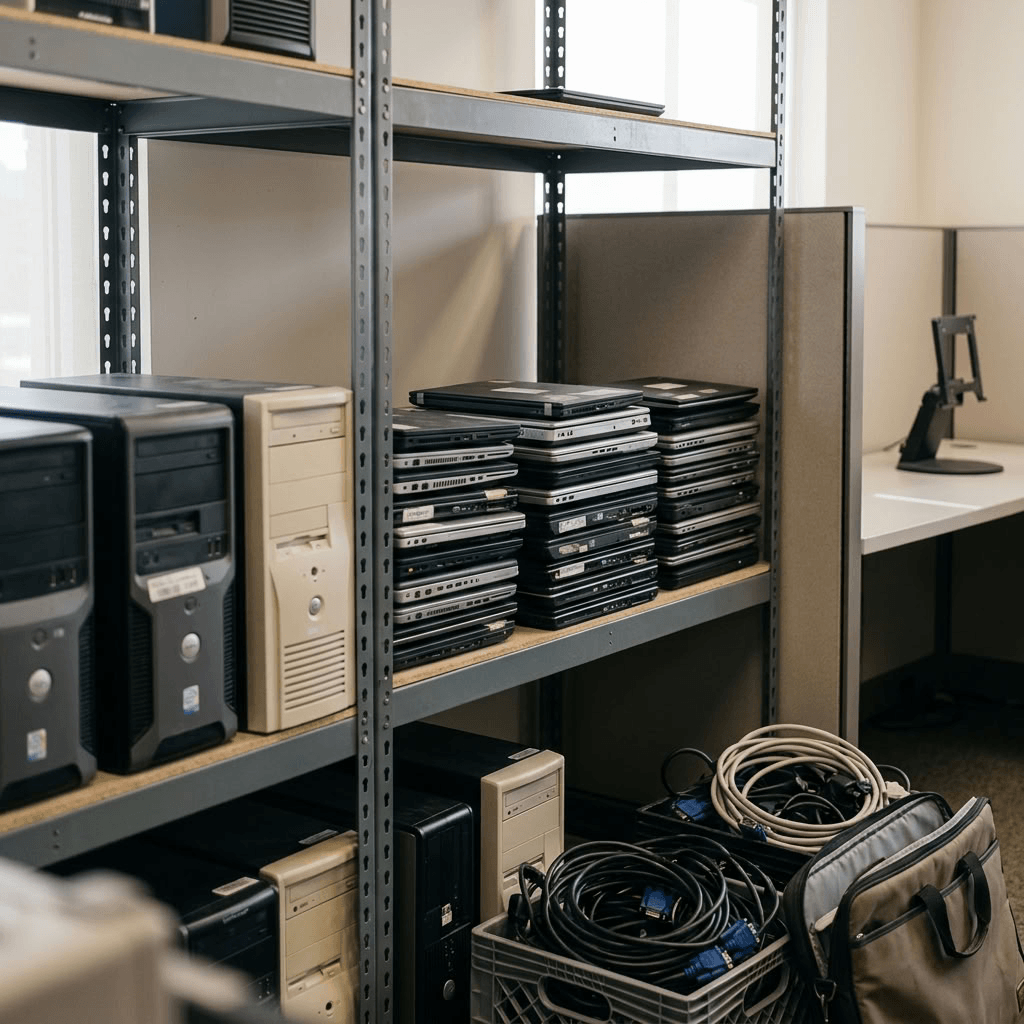
As businesses upgrade computers, laptops, servers, networking equipment, and mobile devices, it’s important to have a plan for disposing of outdated technology responsibly. Simply throwing electronics in the trash can expose sensitive data, waste valuable materials, and contribute to environmental harm. Electronic waste (e-waste) often contains hazardous materials, valuable recoverable components, and sensitive business data that require proper handling.
Knowing how to properly recycle electronics helps protect your organization’s data, supports environmental sustainability, and may even recover value from retired IT assets. In this guide, we break down what technology recycling means, why it matters for businesses, and three best practices to properly recycle electronics.
What is technology recycling?
Technology recycling is the process of securely disposing of or repurposing retired IT equipment while protecting sensitive information and minimizing environmental impact. By understanding how to recycle e-waste properly, businesses can improve data security, support sustainability initiatives, and remain compliant with industry best practices.
Why technology recycling matters for businesses
For businesses, technology recycling offers several benefits:
- Protects sensitive company and customer data.
- Reduces the amount of electronic waste sent to landfills.
- Supports corporate sustainability and ESG initiatives.
- Helps recover value from retired IT assets.
- Ensures equipment is disposed of responsibly.
Working with an experienced IT asset disposition provider helps ensure every stage of the recycling process is handled securely and in accordance with industry standards.
Learn more: Selling Used Networking Equipment: 6 Reasons Why Businesses Should Sell Used IT Hardware
How to recycle e-waste properly
Not all electronic waste should be treated the same. Following the proper process helps protect your organization while maximizing the value of retired equipment. Here is an infographic that explains how to recycle e-waste properly.
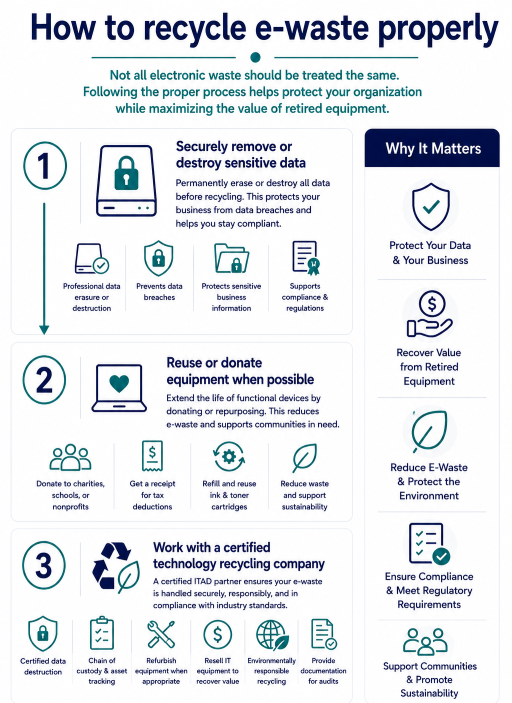
1. Securely remove or destroy sensitive data
Before recycling any electronic device, all confidential data should be permanently removed. Deleting files or performing a factory reset does not completely erase stored information. Professional hard drive erasure or certified hard drive destruction ensures sensitive business data cannot be recovered, reducing the risk of costly data breaches.
This step is especially important for businesses who carry sensitive information on computers, laptops, servers, hard drives, SSDs, smartphones, and storage devices.
Learn more: To Shred or to Erase? That is the Question.
2. Reuse or donate equipment when possible
If equipment is still functional, consider extending its lifecycle before recycling. If your old computer, laptop or cell phone still works and is in relatively good condition, consider donating it to a local charity or nonprofit. Charities like Dell Reconnect and eBay for Charity can help to give your old electronic new life with a family in need. Many organizations, schools, and charities also accept working computers and other electronics. Be sure to get a receipt; you can write off the value of your donations when tax season comes around.
Make sure it’s safe to donate
Before donating or destroying your e-waste, make sure it’s ready to go! Computers and cell phones need to have sensitive data wiped away before disposal, so these items are better taken to a professional for recycling. Items like ink and toner cartridges need to be emptied and cleaned before donating, so make sure you’re using every drop of ink before disposal. Additionally, consider reusing your ink cartridges- some companies are now providing refills for old toner and ink containers for a much smaller fee than a new one.
3. Work with a certified technology recycling company
Choosing a trusted technology recycling partner ensures your retired electronics are processed securely and responsibly.
A professional provider can:
- Perform certified data destruction.
- Track assets throughout the recycling process through a strict chain of custody.
- Refurbish equipment when appropriate.
- Resell IT equipment to help you recover costs
- E-waste recycling in an environmentally responsible manner.
- Provide documentation for compliance and auditing purposes.
For businesses managing large volumes of IT equipment, partnering with an experienced ITAD provider simplifies the entire process.
Learn more: What Types of Businesses Need IT Asset Disposition?
What kind of devices are accepted for technology recycling?
Many types of business technology can be safely recycled, including:
- Desktop computers
- Laptops
- Servers
- Hard drives and SSDs
- Monitors
- Mobile phones and tablets
- Networking equipment
- Printers and multifunction devices
- Keyboards, mice, and accessories
- Cables and power supplies
If you’re unsure whether a device can be recycled, a qualified technology recycling provider can help determine the best disposal method.
Technology recycling services from Keystone Technology Management
At Keystone Technology Management, we help businesses simplify technology recycling through secure, environmentally responsible solutions. Our certified IT asset disposition process includes secure data destruction, asset recovery, electronics recycling, and responsible end-of-life management for a wide range of IT equipment.
Contact Keystone Technology Management to learn more about our technology recycling, certified data destruction, and IT asset disposition services.
Learn more:
IT Asset Lifecycle Management Best Practices: A Guide for Businesses and Organizations
How to Build a Data Destruction Policy That Protects Your Organization
How to Minimize E-Waste: Steps to Reduce Corporate E-Waste
Explore more:
How ITAD works
Secure chain of custody for ITAD
E-waste recycling