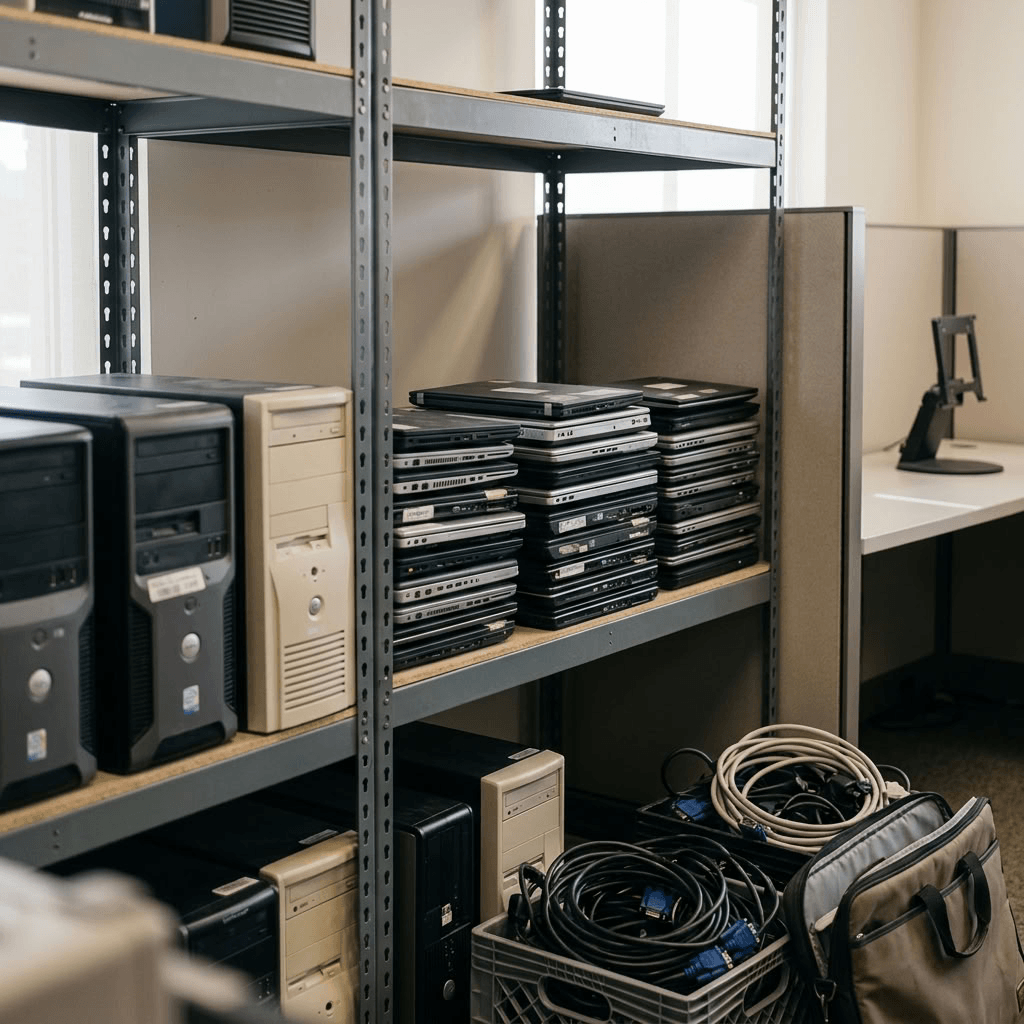
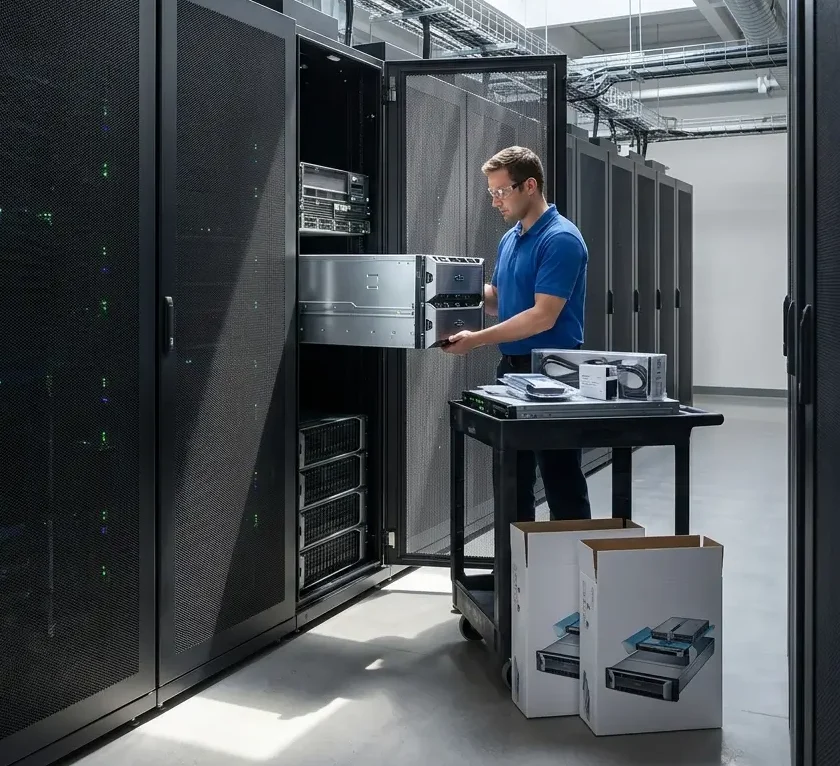
As hardware ages, performance declines, maintenance costs increase, and the risk of downtime or data loss grows. A proactive data center refresh helps ensure your business remains secure, efficient, and prepared for future growth.
Here is a guide on the key signs that indicate it’s time for a data center refresh, what the process involves, and how developing a comprehensive data center refresh plan can help your organization improve performance, reduce costs, and protect sensitive data.
What is a data center refresh?
A data center refresh is the process of upgrading, replacing, or retiring aging IT infrastructure to improve performance, reliability, security, and efficiency.
A comprehensive data center refresh plan goes beyond simply installing new equipment. It includes evaluating your existing infrastructure, securely migrating data, destroying sensitive information on retired devices, disposing of IT assets responsibly, and recycling or remarketing equipment whenever possible.
Signs it’s time for a data center refresh
Not sure whether your infrastructure is due for an upgrade? Here are some of the most common indicators for a data center refresh.
Your infrastructure is slowing down
As your business grows, so do your storage and processing requirements. Older servers and hard drives may struggle to keep up with increasing workloads, resulting in:
- Slower application performance
- Longer backup and recovery times
- Reduced employee productivity
- Difficulty supporting new software and technologies
A data center refresh replaces aging hardware with modern, high-performance equipment that improves efficiency and allows your business to scale with confidence.
Your hardware is reaching end of life
Most enterprise hard drives and servers have a limited lifespan. While the exact timing varies depending on usage and manufacturer recommendations, many organizations begin planning for replacement after approximately four to five years.
Older equipment is more likely to experience:
- Hardware failures
- Reduced reliability
- Compatibility issues
- Increased security vulnerabilities
Instead of waiting for unexpected failures, developing a proactive data center refresh plan allows you to replace equipment on your schedule while reducing operational risk.
Learn more: IT Hardware Recycling: 5 Signs Your IT Assets Are Outdated and Ready for Hardware Recycling
Maintenance costs continue to increase
Maintaining outdated hardware often becomes more expensive than replacing it. Once manufacturer warranties expire, businesses frequently rely on third-party maintenance providers, replacement parts become harder to source, and repair costs continue to rise. Over time, these expenses can outweigh the cost of investing in newer infrastructure.
A planned refresh helps reduce ongoing maintenance expenses while improving reliability and performance.
Security and compliance are a concern
Retiring old hardware means protecting the sensitive data stored on those devices. Before servers, hard drives, or storage arrays leave your facility, all data should be securely destroyed to prevent unauthorized access and help maintain regulatory compliance.
Learn more: What is the Role of Data Destruction in Cybersecurity?
What should a data center refresh plan include?
A strong data center refresh plan involves more than purchasing new hardware. It should include every stage of the equipment lifecycle, including:
- Assessment of existing infrastructure
- Hardware replacement strategy
- Secure data migration
- Certified data destruction
- IT asset disposition (ITAD)
- Asset value recovery
- Responsible e-waste recycling
Planning each step in advance helps minimize downtime and ensures a smooth transition to your new infrastructure.
Learn more: How to Build a Data Destruction Policy That Protects Your Organization
Start planning your data center refresh with Keystone Technology
Waiting until hardware fails can lead to costly downtime, emergency replacements, and unnecessary security risks. A proactive data center refresh keeps your infrastructure reliable, secure, and ready to support your business for years to come.
Whether you’re replacing a handful of servers or refreshing an entire data center, Keystone Technology Management can help you create a customized data center refresh plan that fits your operational and compliance requirements.
Contact Keystone Technology Management today to learn more about our secure data destruction, IT asset disposition, and comprehensive data center refresh services.
Learn more:
Impact of Desktop Operating Systems on Hardware Longevity
Importance of Data Destruction: Why Your Business Should Consider a Data Destruction Service
IT Asset Lifecycle Management Best Practices: A Complete Guide for Businesses and Organizations