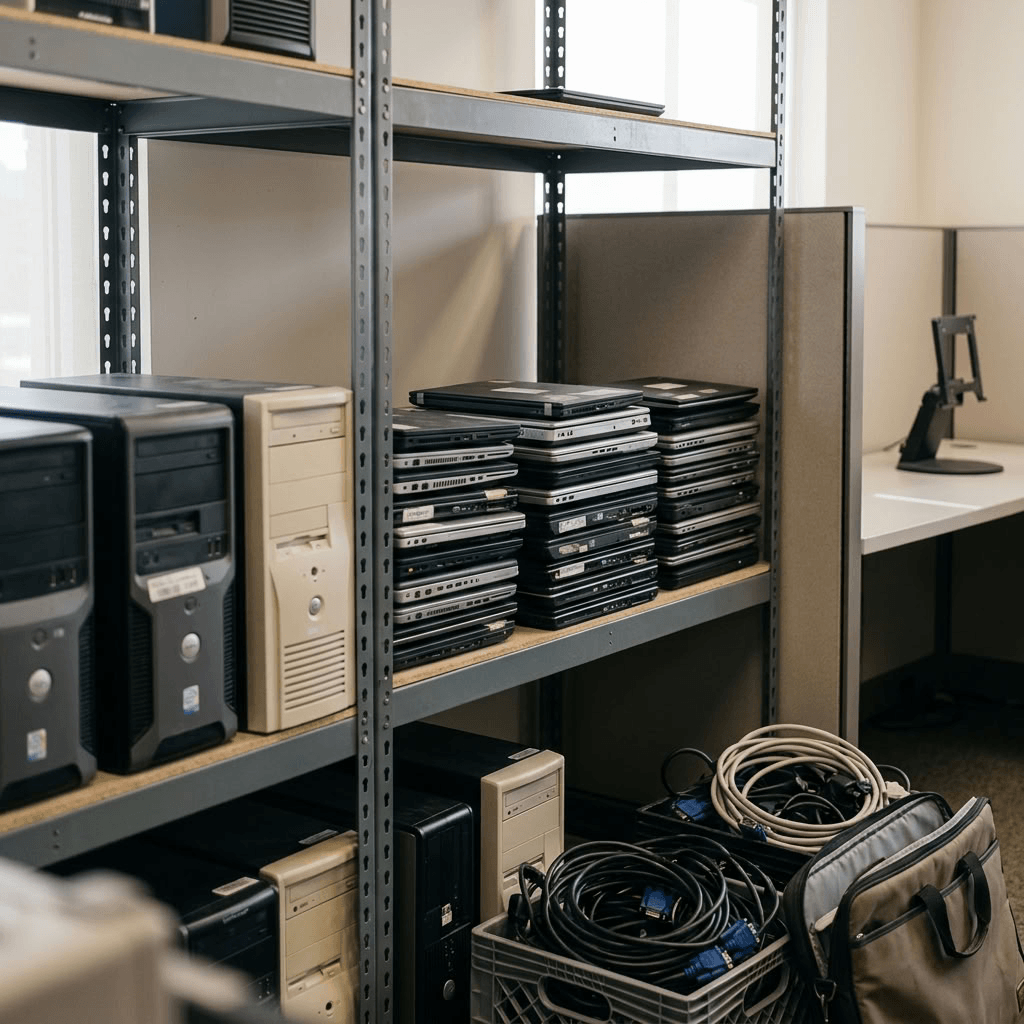
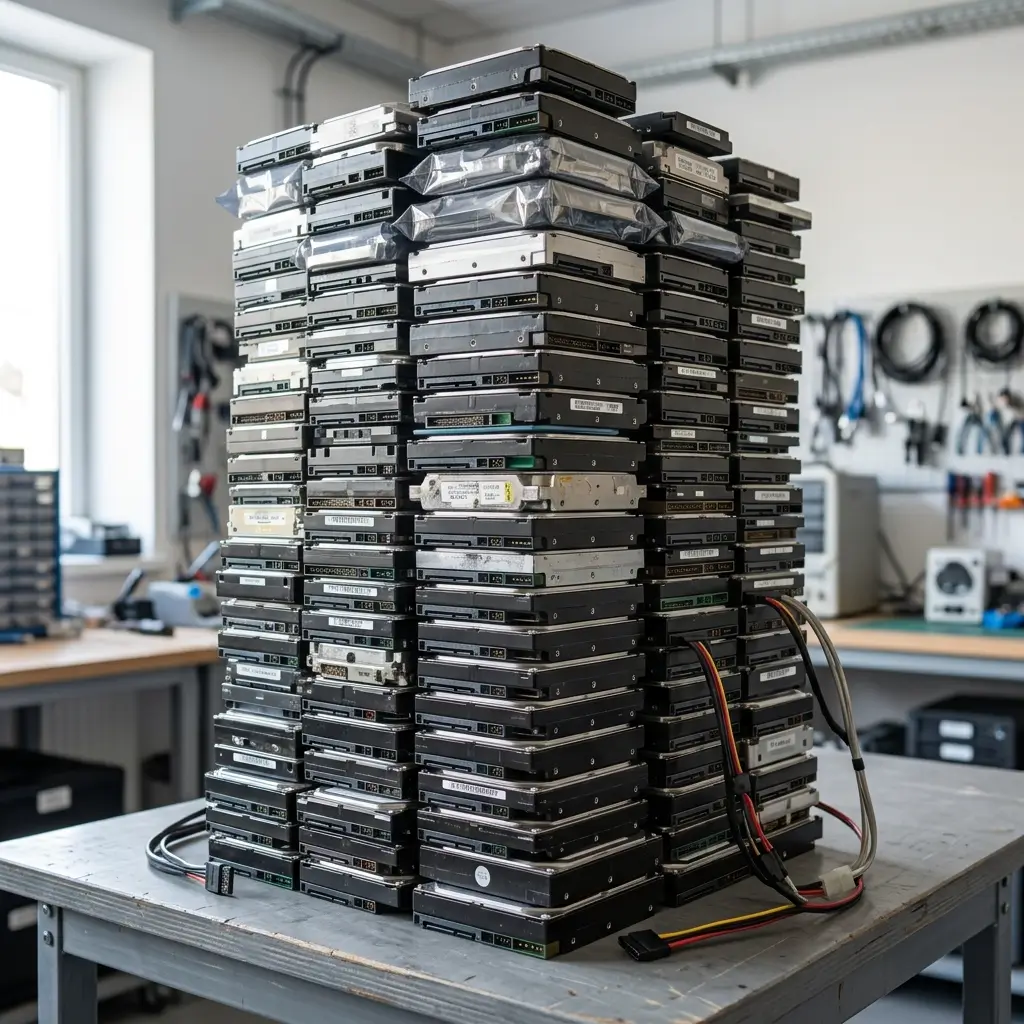
Many businesses keep old computers, hard drives, backups, and other storage devices long after they’ve reached the end of their useful life. Whether you’re holding onto old hard drives “just in case” or simply haven’t gotten around to disposing of them, they could pose a serious security risk because the data they contain may still be recoverable, even if the drives no longer work.
In this guide, we’ll explain the best way to destroy old hard drives for your business, when data wiping is appropriate, and why physical destruction is often the best option for protecting sensitive information.
Why is it important to destroy old hard drives?
Old hard drives often contain years of sensitive information, including:
- Customer records
- Employee information
- Financial documents
- Medical records
- Emails and business communications
- Intellectual property
- Login credentials
Even damaged or outdated hard drives can still contain recoverable data. Cybercriminals use specialized software and equipment to recover files that many people believe have already been deleted. Properly destroying old hard drives eliminates the possibility of unauthorized access and protects your business from data breaches.
Learn more: What is the Role of Data Destruction in Cybersecurity?
Quick comparison: Wiping vs. destroying a hard drive
The right approach to destroy old hard drives depends on whether you plan to reuse the drive or permanently retire it. Here is a quick comparison that you can refer to when deciding on a data destruction method for your business.
| Data Wiping | Physical Destruction | |
| Best for | Drives that will be reused or redeployed | Drives that are being discarded, recycled, donated, or retired |
| Data recovery | Data is securely erased when performed with certified software | Data is permanently unrecoverable |
| Drive reusable? | Yes | No |
| Common methods | Certified data wiping software that overwrites existing data | Industrial shredding, crushing, punching, degaussing, or disintegration |
| Security level | High for reuse when completed properly | Highest level of security for end-of-life devices |
| Recommended when | You want to keep using the hard drive | The hard drive is permanently leaving your organization |
Data wiping vs. destroying a hard drive: Which one should you choose?
Not every hard drive needs to be physically destroyed. The right solution depends on whether you plan to reuse the drive. Here are two best ways to destroy old hard drives.
Hard drive destruction
If the hard drive is being discarded, recycled, donated, or retired, physical hard drive destruction is the safest option.
Common destruction methods include:
- Industrial hard drive shredding
- Crushing or punching
- Degaussing (for magnetic media)
- Disintegration for highly sensitive materials
For most organizations, industrial shredding is considered the best way to destroy old hard drives because it permanently destroys both the drive and the data stored inside.
Data wiping
If the hard drive will continue to be used internally or redeployed, secure data wiping, or data erasure, may be sufficient.
A professional data wipe can:
- Overwrite existing data
- Remove malware or viruses
- Erase previous user information
- Prepare the drive for reuse
When completed properly using certified software, data wiping allows the drive to remain operational while securely removing stored information.
How to destroy old hard drive devices safely
1. Identify sensitive data
Determine whether the drive contains confidential information, such as customer, employee, financial, healthcare, or business data. The more sensitive the information, the more important certified destruction becomes.
2. Back up important files
Make sure any files you need have been securely backed up and verified. Once a hard drive is destroyed, its data cannot be recovered.
3. Inventory your devices
Keep a record of every device being destroyed, including computers, servers, hard drives, SSDs, and backup media. Proper documentation supports security and compliance.
4. Choose a certified provider
Work with a certified ITAD provider that follows secure chain of custody procedures and provides a Certificate of Destruction for complete peace of mind. Learn more how to choose a certified ITAD provider for secure data destruction
Learn more: How to Build a Data Destruction Policy That Protects Your Organization
Why businesses should destroy old hard drives
Properly destroying old hard drives protect sensitive information, help meet regulatory requirements, and free up valuable storage space.
Protect sensitive data
Old hard drives are one of the biggest security liabilities within an organization. Deleting the digital files from an old hard drive never completely removes the data. With the right tools and special software, identity thieves and digital criminals can extract information relatively easily. Physical destruction removes the possibility of future data recovery and significantly reduces the risk of identity theft, fraud, and data breaches.
Stay compliant with privacy regulations
There are consequences in certain industries for data breaches stemming from mishandled storage devices, including fines and even the possibility of criminal prosecution depending on the level of negligence and the number of people affected. Each of the following laws and regulations requires organizations to protect personal, financial, and health records from any type of unauthorized access. Organizations may need to comply with regulations such as:
- HIPAA: Affects any organization dealing with health records and information
- FACTA: Applies to credit reporting to protect consumers from identity theft
- GLBA: Affects banks, financial institutions, and insurance companies
- State privacy and data breach notification laws (ex. Pennsylvania Data Breach Notification Law)
- Industry-specific security standards
Improper disposal of storage devices can result in regulatory penalties, lawsuits, reputational damage, and costly data breach notifications.
Reduce storage costs and free up space
Old computers and storage media often sit in storage rooms for years. Don’t overlook the cost of storing your oldhard drives. When you’re paying a premium for office space, every square inch counts. When you hoard old computers and out-of-date storage media, there’s less room to make use of other things that help contribute to the business’s revenue. Properly disposing of retired hardware helps organizations:
- Reduce clutter
- Improve inventory management
- Free up storage space
- Simplify IT asset lifecycle management
Learn more: IT Hardware Recycling: 5 Signs Your IT Assets Are Outdated and Ready for Hardware Recycling
Destroy your old hard drives with Keystone Technology Management
If your business has outdated computers, servers, backup media, or storage devices ready for retirement, Keystone Technology Management provides secure hard drive destruction and IT asset disposition services to help protect your sensitive information. Our certified data destruction processes ensure your retired media is securely handled, permanently destroyed, and responsibly recycled, giving you complete peace of mind that your confidential data stays protected.
Contact Keystone Technology Management today to learn more about our secure hard drive destruction and IT asset disposition services.
Learn more:
IT Asset Lifecycle Management Best Practices: A Complete Guide for Businesses and Organizations
Importance of a Secure Chain of Custody Process for End-of-Life Data Destruction
Risks of Improper IT Asset Disposal: Why Secure Data Destruction Matters