Businesses of all sizes are vulnerable to phishing attacks. By using social engineering tactics, cybercriminals can trick unsuspecting employees into revealing sensitive information, downloading malicious software, or visiting fraudulent websites. While larger organizations may have dedicated IT and security teams to monitor suspicious activity, small and mid-sized businesses can also take practical steps to strengthen their phishing protection for business.
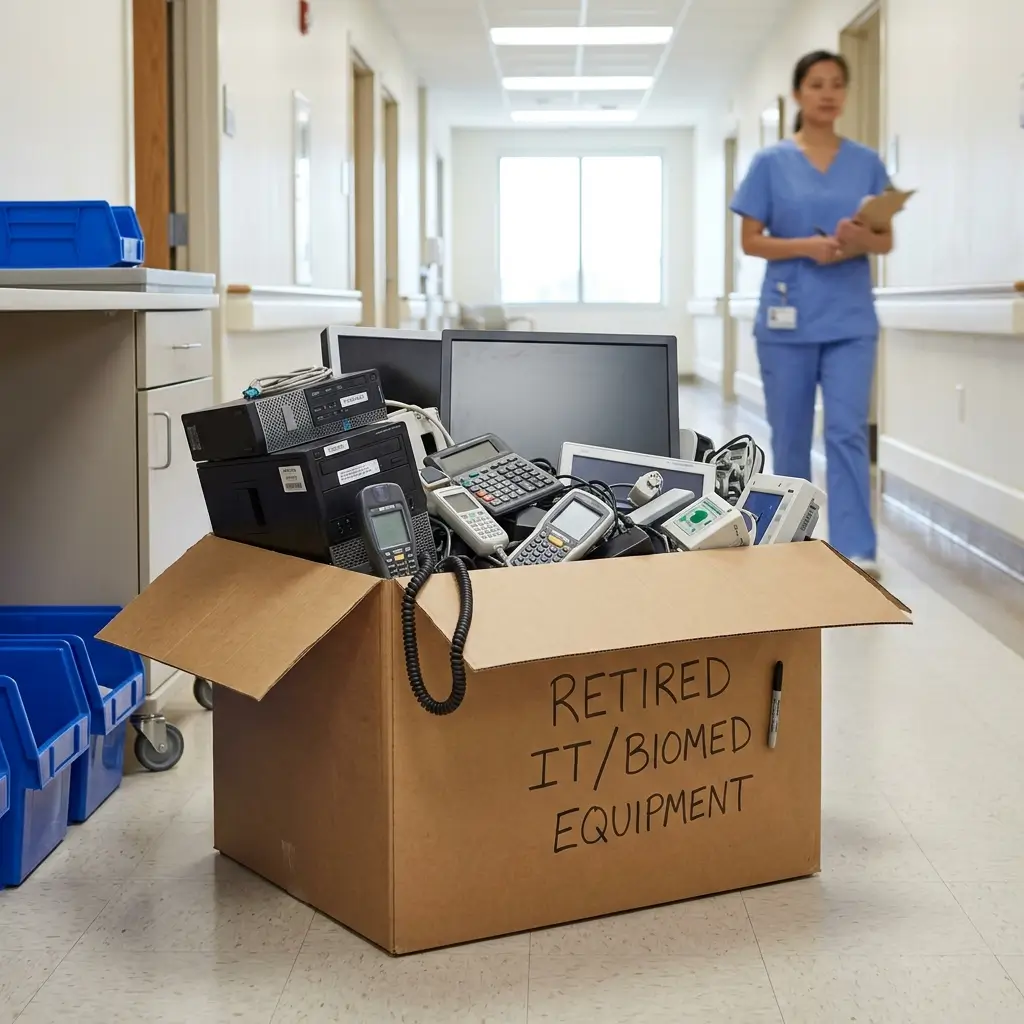
Protecting client and employee information requires a comprehensive approach, from securing current systems against phishing attacks to properly destroying data stored on retired equipment. In this guide, learn what phishing is and three steps you can take to protect your business from phishing attacks.
What is phishing?
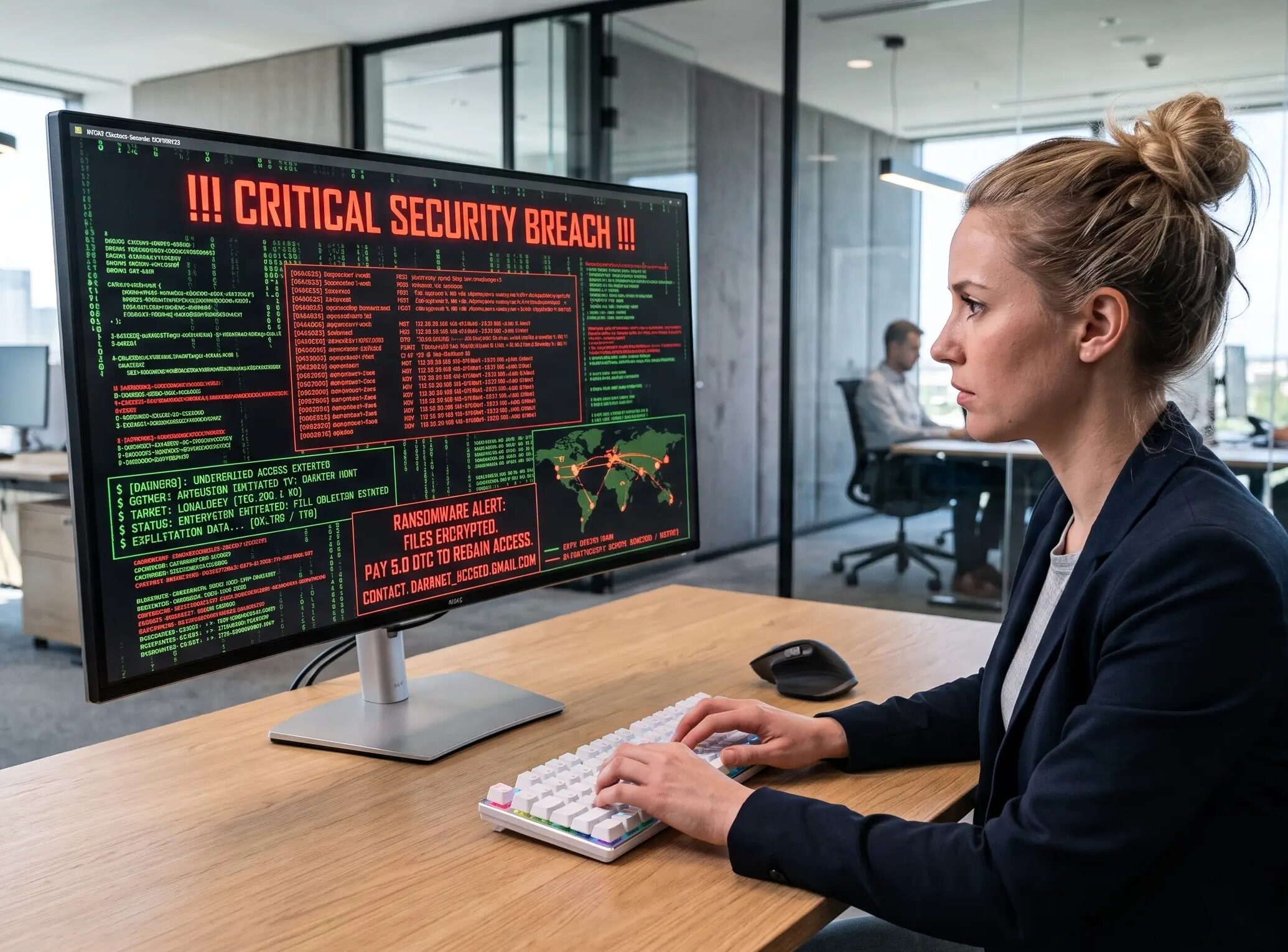
Phishing is a cyberattack that uses deceptive emails, messages, websites, or other communications to trick people into providing sensitive information. An attacker may impersonate a trusted company, coworker, financial institution, or other reputable entity to make a fraudulent request appear legitimate.
For example, a phishing email may encourage an employee to click a malicious link, open an infected attachment, or enter their login credentials on a fraudulent website. Once an attacker obtains this information, they may be able to access business accounts, systems, or sensitive data.
Explore 3 steps to protect your business from a phishing attack
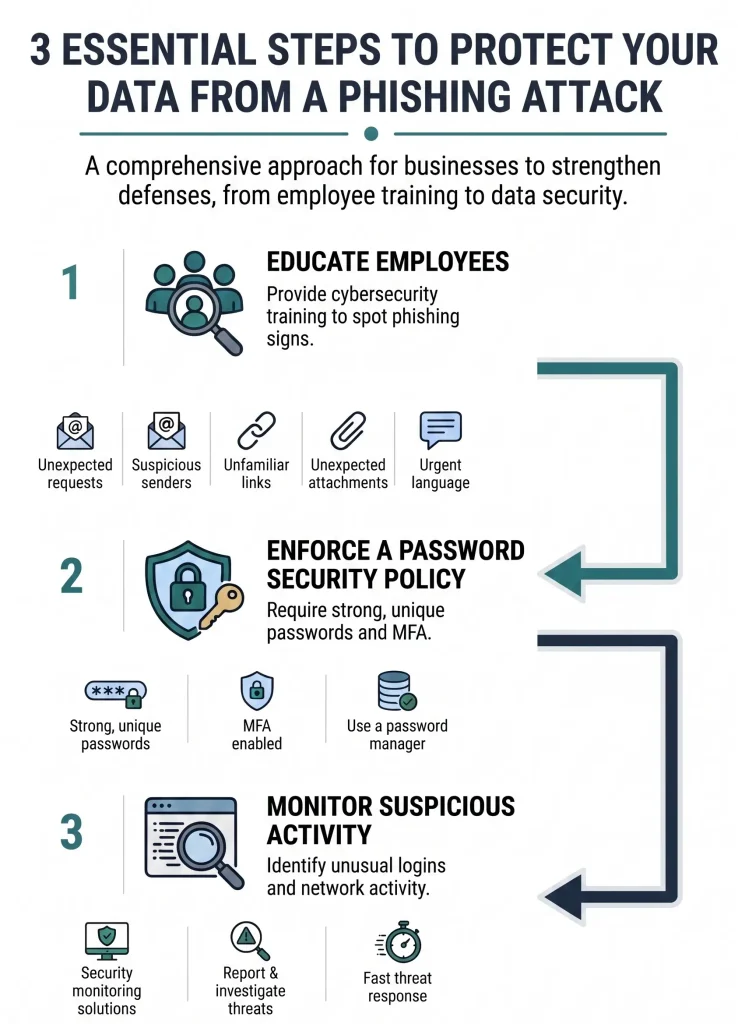
Here is an infographic that shows three essential steps businesses can take to protect their employees, data, and systems from phishing attacks.
1. Educate employees
Employees are one of the most important lines of defense against phishing attacks. Providing regular cybersecurity awareness training can help employees recognize suspicious emails and messages before they interact with them.
Employees should be trained to watch for common warning signs, including:
- Unexpected requests for passwords, payment information, or other sensitive data
- Suspicious or unfamiliar sender addresses
- Links that lead to unfamiliar websites
- Unexpected attachments
- Urgent or threatening language designed to pressure the recipient into acting quickly
- Requests that seem unusual or inconsistent with normal business procedures
Encourage employees to verify unexpected requests through a trusted communication channel rather than clicking a link or responding directly to the message.
2. Enforce a policy for password security
Phishing attacks often attempt to steal account credentials, making strong password practices an important part of business cybersecurity. Businesses should establish a password policy that requires employees to use unique, difficult-to-guess passwords for their accounts. A password manager can make it easier for employees to securely manage complex passwords without having to remember each one.
Strong passwords and MFA are not a substitute for phishing awareness, but they can significantly reduce the potential impact of compromised credentials. Multi-factor authentication (MFA) should also be enabled wherever possible. If a cybercriminal obtains an employee’s password through a phishing attack, MFA provides an additional layer of protection that can help prevent unauthorized access.
3. Monitor suspicious activity
Even with employee training and strong security policies in place, cybercriminals may still attempt to bypass your defenses. Monitoring systems and network activity can provide an additional layer of protection.
Businesses can use security and monitoring solutions to identify unusual login attempts, suspicious network activity, malicious communications, and other potential indicators of compromise. Establishing procedures for reporting and investigating suspicious activity can also help your team respond more quickly when a threat is identified.
Protect your business from phishing and data exposure
Effective phishing protection for business requires more than preventing suspicious emails from reaching employee inboxes. Businesses should also consider what happens to sensitive information when computers, hard drives, and other IT equipment reach the end of their useful life.
For more information on data erasure and destruction services, contact Keystone Technology Management to book a consultation on how we can help protect your business’ information.